 betterflo
Dictate the message, not a leak.
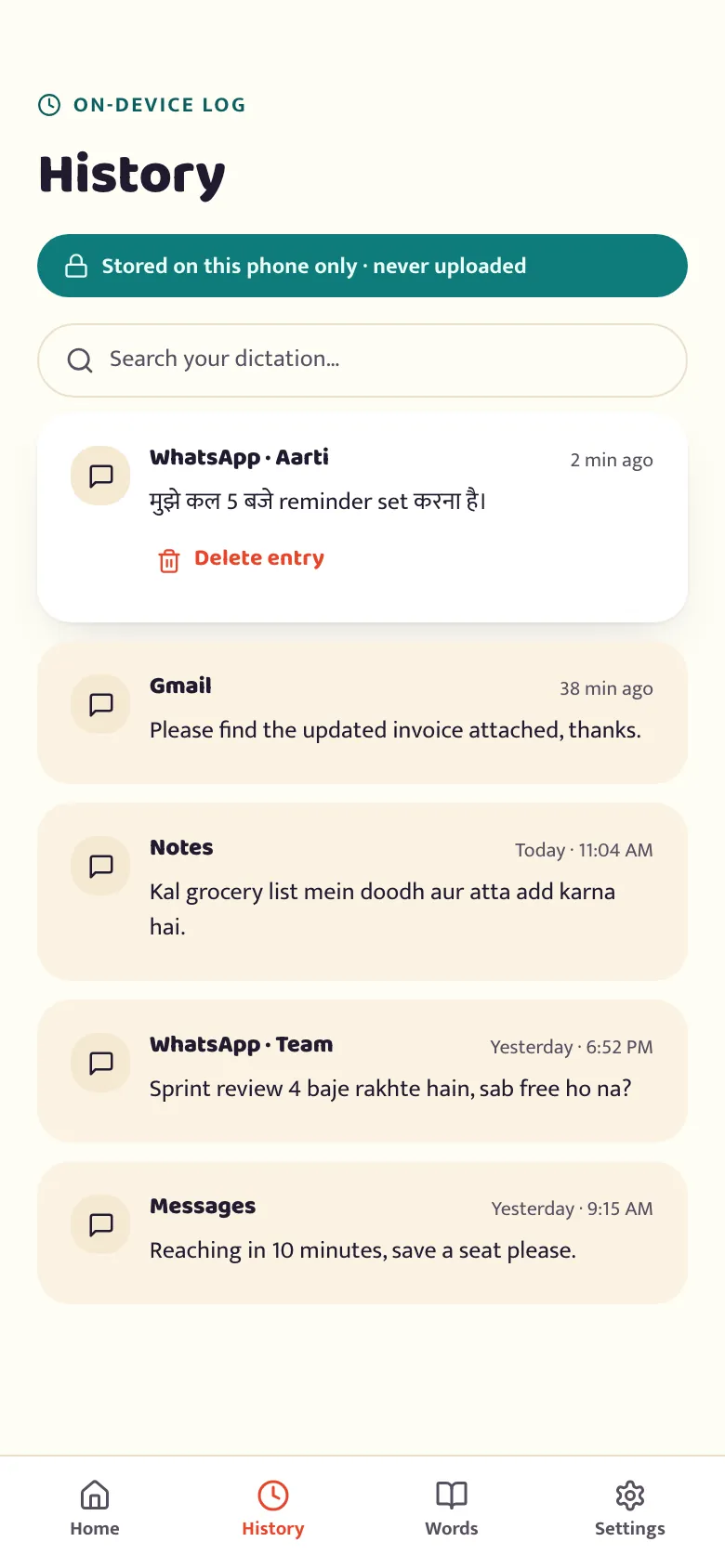
Messages and email, dictated straight into any app — on-device by default, so nothing leaves your phone to turn your voice into text. Review or delete anything from your dictation history, anytime.
Your words, not a cloud transcript.
Client emails and internal messages carry things you don't want on someone else's server by default. Here's what that means in practice.

-
On-device by default
Audio and text are processed on your phone. An optional cloud Pro tier is planned and opt-in — not in this build.
-
You control the history
Every dictation shows up on the history screen, where you can review or delete it — nothing is hidden from you.
-
Light-touch cleanup
It fixes punctuation and casing. It doesn't rewrite or "improve" the wording of a message you're sending on your name.
Dictate your next email.
Free to start, no account, works offline from the first tap. You'll turn on the floating mic after install — it's quick, and we walk you through what it needs and why.