 betterflo
Get the lecture down before the thought leaves.
Speak your notes and assignment answers — betterflo types clean text right on your phone, works with the network off, and is free to start with no account to create.
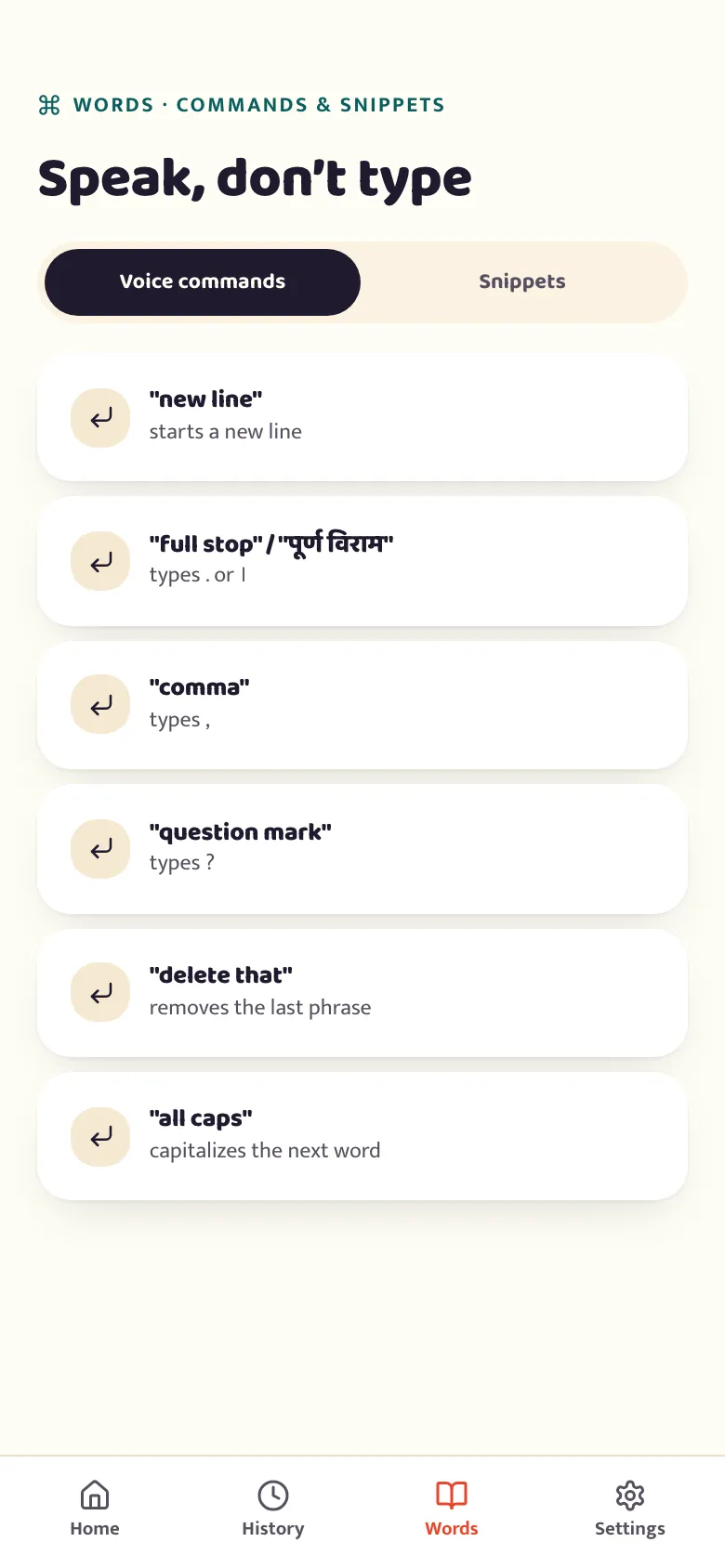
Faster than typing, and it doesn't cost you anything to try.
Notes between classes, a quick answer before the deadline, a message to a group project chat — dictate it straight in, in the language you actually think in.

-
Free, no account
Unlimited on-device dictation from the first install. No sign-up screen stands between you and typing.
-
Works with no signal
Once your language is downloaded, dictation runs on your phone — a lecture hall or library with weak Wi-Fi doesn't stop you.
-
Eleven languages, code-switching included
Say it the way you'd say it out loud, switching between English and your language mid-sentence, and it still lands as clean text.
Does voice typing work with no internet in a lecture hall?
Yes, once the language pack is on the phone. Betterflo downloads a language bundle the first time you pick it, and after that dictation runs on your phone's own processor with no server in the path. A basement lecture theatre, a library corridor with one bar, a train home, a hostel Wi-Fi that drops every few minutes — none of them stop it, because there is nothing to reach. That also means no upload of your audio: what you dictate into your notes does not leave the device by default. The one thing the network is needed for is the initial download of a language, and any later model update you choose to take.
Will it run on a budget phone?
It runs on budget phones by design, but what you get depends on the memory your phone can actually spare. Betterflo measures the phone once and picks the largest speech model it can sustain rather than offering one it would choke on, and sorts phones into four tiers. On the smallest tier you get English only, in stretches of up to 20 seconds, with the text appearing once you stop speaking. The next tier up gets all eleven languages and up to 70 seconds at a time. On the two largest tiers the text starts appearing while you speak, and a single stretch can run to 120 seconds — long enough for a full paragraph of a lecture without stopping. The exact memory range for each tier is listed on /devices.
The English-only floor on the smallest phones is a deliberate decision rather than an oversight, and it is the one worth knowing before you install: at that memory budget there is no Indic speech model that fits and still returns sentences worth keeping. See exactly what your phone gets — the tiers are listed with the reasoning, including the shortcut that was tried and rejected.
Can you dictate notes in Hindi and English in the same sentence?
That is the case betterflo is tuned for, rather than a side effect it tolerates. Most voice keyboards are built around one language at a time, so a sentence that starts in Hindi and finishes in English forces a guess — and usually the wrong alphabet. Betterflo recognises the switch as one flow, which matters for notes more than almost anywhere else: technical terms, unit names and citations arrive in English even when the rest of the thought does not.See the full language list, including which scripts are covered and the one honest gap in output.
Can it tidy up what you dictated?
Light cleanup happens automatically — punctuation and casing, not rewording, so a quote you dictated stays the words you said. Rewriting is a separate, deliberate tap: Fix, Tone, Rewrite and Translate sit on the keyboard and run on the phone, and a rewrite appears beside your own line so keeping your original is one of the options rather than an undo. Two limits worth stating plainly: Fix, Tone and Rewrite need a small model you download and are permanently unavailable on the lowest device tier, while Translate works on every tier betterflo supports. See every feature and its caveat.
What does it cost, and what does it collect?
Unlimited on-device dictation is free, with no account to create and no trial clock. There is no student plan to apply for because there is nothing to apply for. Your dictation history lives on the phone under retention settings you control, and the personal dictionary — the names, course codes and terms you use often — is stored on the device and encrypted at rest. Password and other secure fields are a hard boundary: betterflo does not read or act on those, and dictation still works in them. An optional cloud Pro tier is planned, will be opt-in, and is not in the current build.Read the privacy policy orthe reasoning behind running on-device.
How long does setup take?
Installing and turning on the floating mic takes about 20 seconds. The mic needs two permissions — one to draw the bubble over other apps, and an Android accessibility service so it can place your words into the field you are typing in. You see a plain-language disclosure before the second one is requested and you can decline it: the betterflo keyboard is a complete alternative that needs neither permission, with the mic sitting beside the space bar.Walk through enabling the floating mic, or set up the keyboard instead.
Speak your next assignment.
Free to start, no account, works offline from the first tap. You'll turn on the floating mic after install — it's quick, and we walk you through what it needs and why.