 betterflo
Bengali
Full Bengali dictation, on-device.
Eleven Indian languages on-device — including the way you switch between them mid-sentence, without thinking about it.
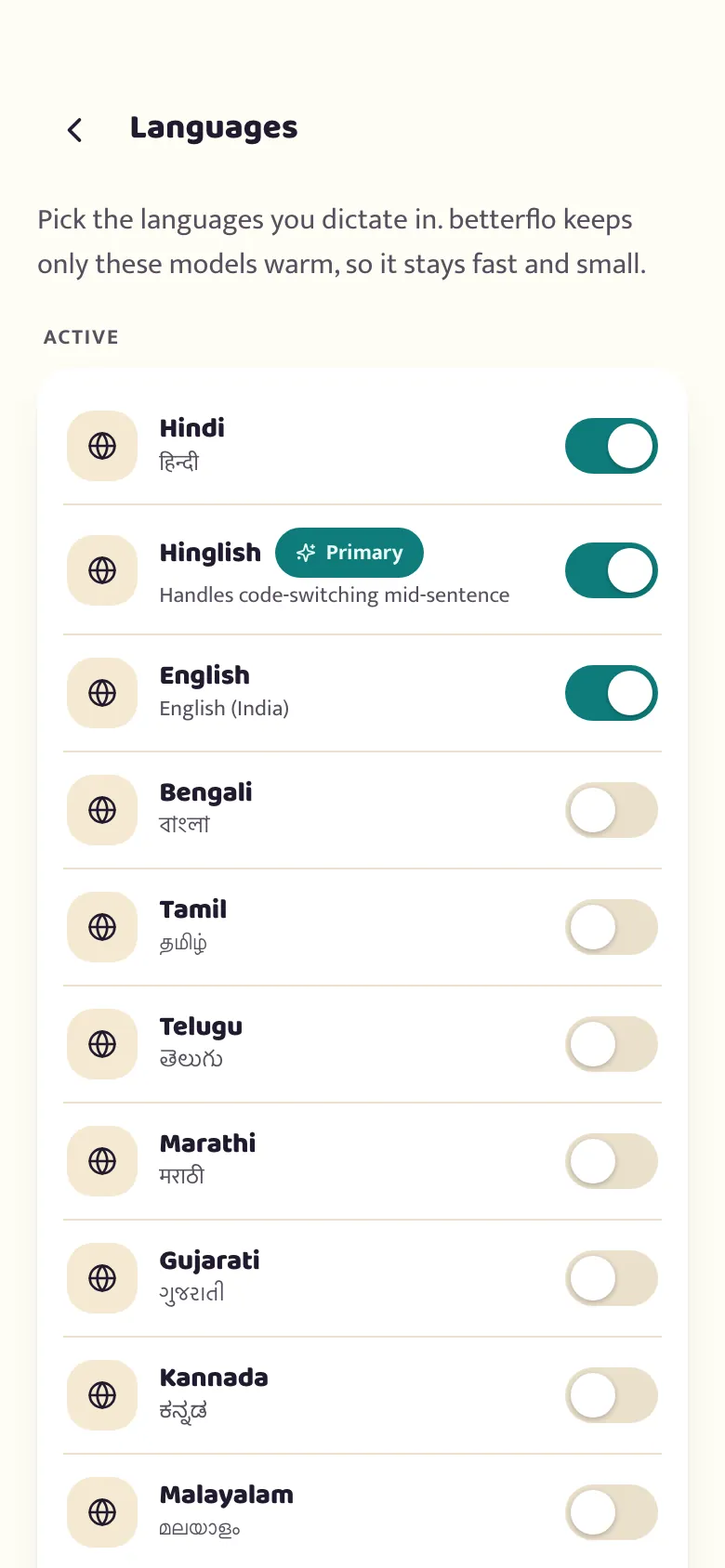
These are live now, on-device — no placeholders, no "coming soon" hiding in the menu. We keep tuning each one, and only list a language once it's tuned for real, everyday speech.

Full Bengali dictation, on-device.
Built to handle Indian-English pronunciation and names — like "Bengaluru" and "Aarti" — the way you’d write them, not autocorrected away.
Full Gujarati dictation, on-device.
Full Devanagari dictation — पूरा वाक्य, साफ़ टेक्स्ट। Speak naturally; it types in हिंदी.
The real one. Hindi and English woven together in a single sentence — recognised as one flow, not two half-guesses.
Full Kannada dictation, on-device.
Full Malayalam dictation, on-device.
Full Devanagari dictation, on-device.
Full Gurmukhi dictation, on-device.
Full Tamil dictation, on-device.
Full Telugu dictation, on-device.
Every phone gets a different mix — the very smallest get English alone, the rest run all eleven. See what your phone gets
No "please speak in one language" prompt. Betterflo reads the switch — Devanagari or Latin, Hindi word or English word — and cleans up punctuation without rewriting your meaning.
Light-touch by design: it fixes casing, spacing and punctuation. It does not paraphrase, translate, or "improve" what you said.
Pick Bengali, choose English output, and your Bengali speech arrives as English text. The translation runs on your phone too.
Also available for Gujarati, Hindi, Kannada, Malayalam, Marathi, Punjabi, Tamil, Telugu — via a separate 229 MB translation model that downloads once, on your terms.
Early. On our own measurements it gets the meaning right about half the time, and when it's wrong the English still reads fluently. Native script is the default — turn this on only where a wrong sentence is cheap to fix.
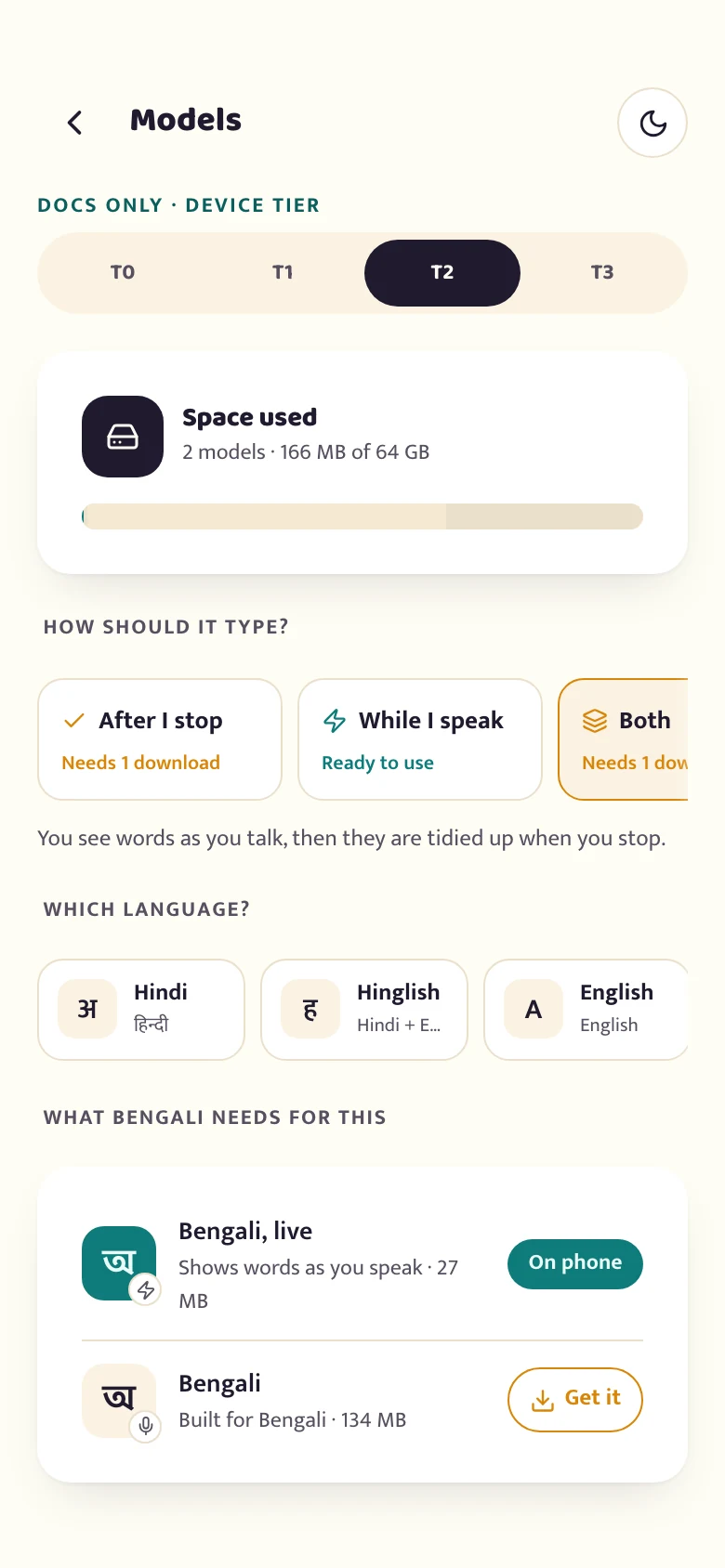
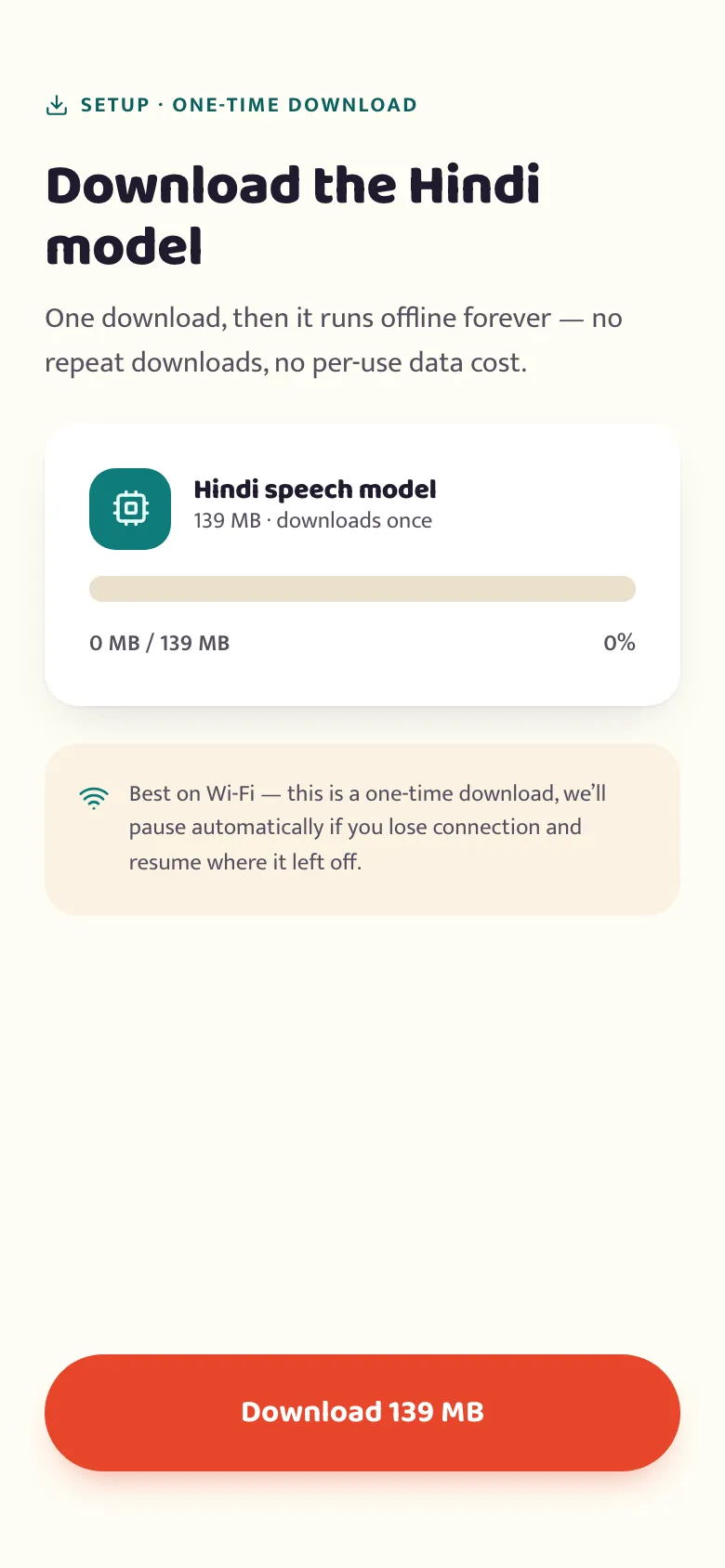
The speech models don't ship inside the app — that would make it huge. Instead, the first time you pick a language, its on-device bundle downloads to your phone. After that, it's yours: no network, nothing sent.
Choose from all eleven in settings. Each has its own on-device bundle.
The bundle downloads over the network — Wi-Fi-preferred and resumable, so a dropped connection just picks up where it left off.
From then on, dictation happens on your phone. It works with no internet, and your voice stays on the device by default.
Pick your languages, download once, then everything runs offline.
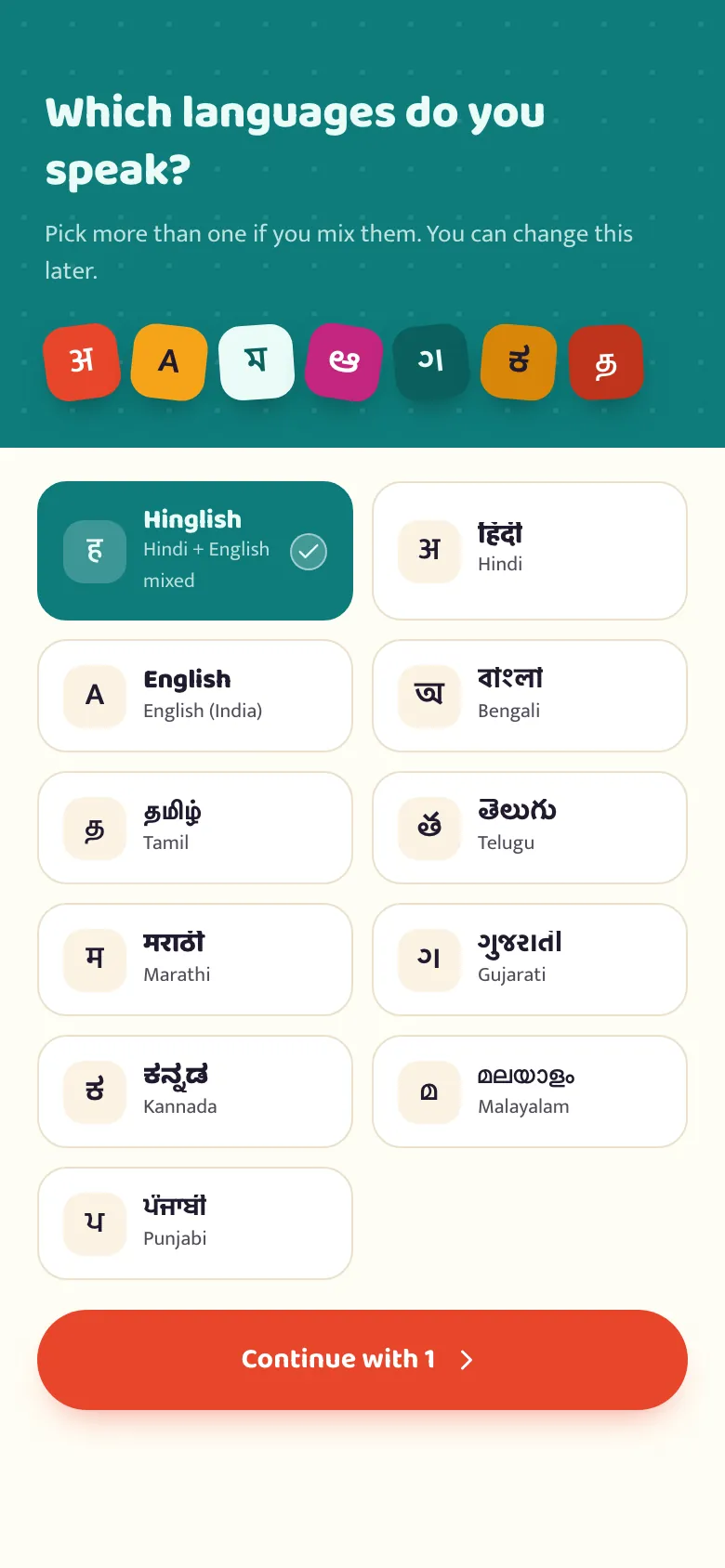
Every one of the eleven languages above dictates in its own native script, on-device, today. Writing an Indian language out in English letters instead — "Roman" script — doesn't exist yet for any of them: we measured it and it wasn't good enough to ship. It turns on the day a model clears that bar, for whichever language gets there first.
Want a language sooner, or Roman script for one you use? Tell us.
Request a languageFree to start, no account, works offline from the first tap. You'll turn on the floating mic after install — it's quick, and we walk you through what it needs and why.