 betterflo
Stuck? Let's get you dictating again.
Most questions have a quick answer in the setup guides. Start there or jump straight to troubleshooting — and if you're still stuck, write to us. betterflo runs on your device by default, so most fixes are settings on your own phone.
Two places that answer most things
The setup guides cover getting started and everyday use. Troubleshooting covers the “it’s not working” moments — floating mic, keyboard, mic permission, downloads, and low-end phones.

How to use betterflo
Enable the floating mic (or the keyboard), pick your languages, and understand your privacy controls — step by step, in plain language.
Start with the floating mic →FixesTroubleshooting guide
Floating mic or keyboard not showing up, a bundle that won’t download, dictation not inserting, mic permissions, battery back-off — with a fix for each.
Open the guide →A quick look before you write in
The handful of things people hit most often, and where each one is solved.
- Enable the floating mic →
The floating mic bubble won’t appear or won’t type
It needs two permissions — “display over other apps” and the accessibility service. The setup guide checks both and walks through what’s missing.
- Enable the keyboard →
betterflo isn’t in my keyboard list
Prefer the keyboard route? You have to turn it on in Android’s keyboard settings first, then select it — the same two steps as any third-party keyboard.
- Open troubleshooting →
Dictation won’t insert into an app
A permission is on but text isn’t landing in a particular field. The troubleshooting guide walks through why, and what to try.
- About languages →
A language model bundle won’t download
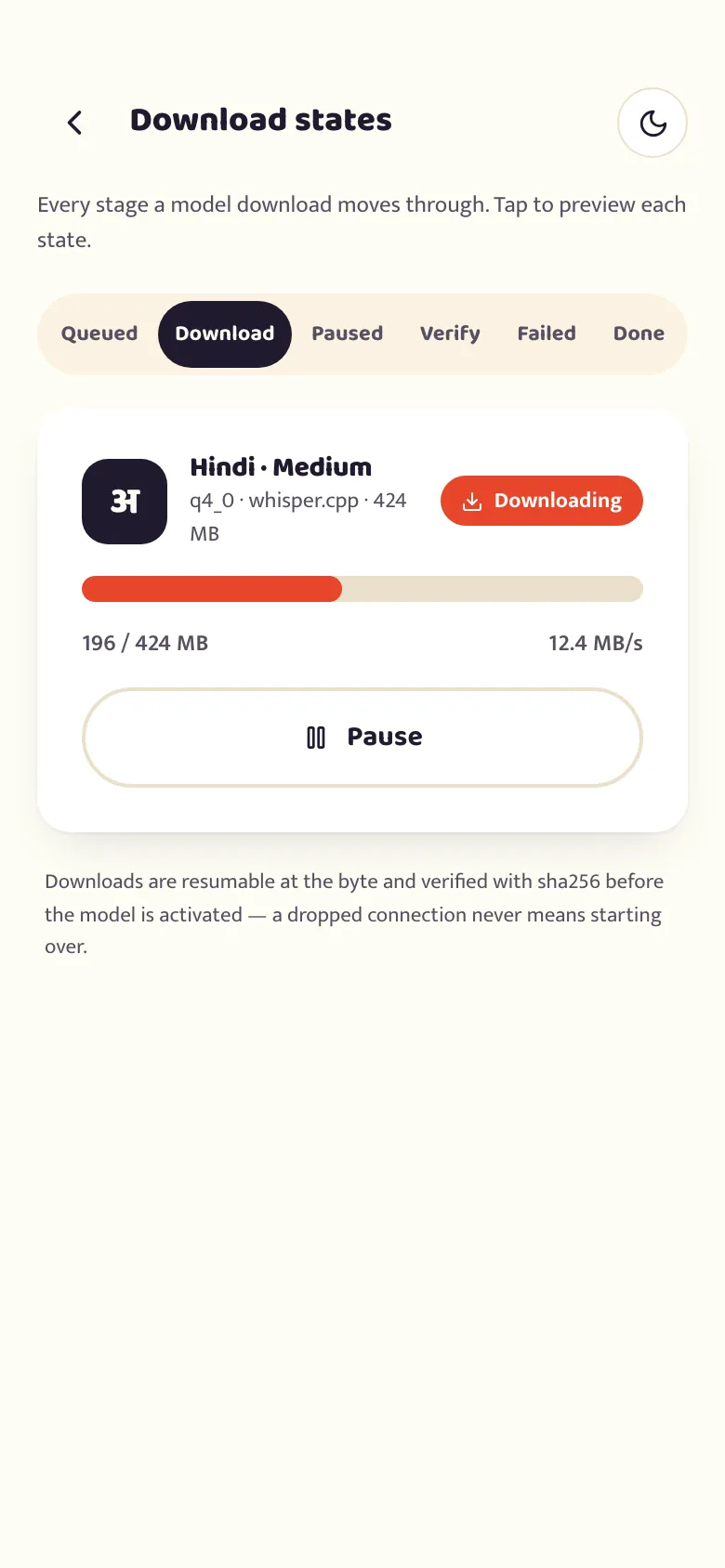
Some languages fetch a one-time model over Wi-Fi. Check your connection and retry — the languages page covers the download step.
- Open troubleshooting →
The mic isn’t picking up my voice
Usually a mic-permission prompt that needs granting, or another app holding the mic. The troubleshooting guide has the checklist.
- Open troubleshooting →
Dictation pauses on my budget phone
Usually Android’s own battery optimization pausing background apps, not a betterflo setting. The troubleshooting guide covers how to exempt it so the floating mic and keyboard keep running.
Set it up, and fix what isn’t working.
Every guide, in the order most people need them.
Enable the floating mic
The default way to dictate with betterflo — a mic bubble that floats over any app. What it needs, why, sequenced one step at a time, the honest answer to what the accessibility permission can see, and how the bubble itself works.
Enable the betterflo keyboard
The two-step walkthrough to turn on and switch to the betterflo keyboard on Android — a full typing keyboard with a suggestion strip, a mic key, and Fix, Tone, Rewrite and Translate running on the phone — and the honest answer to Android's "this keyboard may collect..." warning.
Troubleshooting
Fixes for the common friction points — the floating mic, the keyboard, a missing Fix/Tone/Rewrite/Translate bar, model and translator downloads, a missing language, English output, mic permissions, and thermal/battery back-off.
Writing modes
What script betterflo writes in — native script by default, and the honest truth about English output before you turn it on.
Dictionary, snippets, and voice commands
Teach betterflo your own words, set up spoken shortcuts, and know exactly which five spoken commands actually work today.
Privacy controls
How privacy works in betterflo today — on-device by default, history retention, the dictionary, Privacy Mode, and what the website's waitlist collects.
Already writing up a problem?
Send it as a report instead. It reaches the person who can change the code, you get an answer from them, and reports we can act on earn the perk.
What you said, what came out, and the phone you said it on — sent as you hit them, not saved up.
From the day Pro launches, as a Google Play promo code sent to your inbox.
Write to us
We’re a small team and we read everything. To help us help you fast, include your phone model, Android version, the app you were dictating into, and what you expected vs. what happened.

Support inbox
We’re a small team, so replies aren’t instant — but a person reads every message. Include the details above and you’ll usually hear back within a few days.