 betterflo
Read the fine print. We'd rather you did.
Every policy that governs betterflo, the on-device data flow in one picture, and the one Android permission that worries people most — explained plainly, in one place, instead of scattered across four documents.
One picture, not four documents.
The short version of the architecture. The long version — retention tiers, and the exact opt-in cloud path — lives in the privacy policy.
Your voice
Captured only while you hold the mic, and released the moment you’re done.
On-device recognition
Speech becomes text on your phone — by default, with no server in the loop.
Encrypted local store
History, dictionary and snippets are encrypted at rest on your device, and deletable any time.
Not sent by default
Any future cloud tier is opt-in — you’d know exactly what it sends before you turned it on.
Four pages, not four hundred words of legalese.
Read any of them straight through, or use this page as the index and come back.

-
Privacy Policy
What we collect (mostly nothing)
What’s processed on-device, what changes if you ever opt into a cloud tier, and how to reach us about your data.
Read the privacy policy -
Security
Report a vulnerability
How to report a security issue, our coordinated-disclosure window, and why an IME is high-trust software.
Read the security -
Terms of Service
The agreement, in plain terms
What governs installing and using betterflo — short on purpose, not a wall of clauses.
Read the terms of service -
Open-Source Notice
What betterflo is built on
The third-party open-source components in the app, and the attributions their licenses require.
Read the open-source notice
What the accessibility service can see.
betterflo uses Android's accessibility service for one job: putting the words you dictate into the field you're focused on. It reads that field to do the insertion — the content is used for that insertion only, and isn't stored or sent anywhere by default.
You see the exact disclosure below before betterflo ever asks Android for the permission, and you can leave without granting it — there's no hidden back-out and no re-prompt if you say not now.
More on how we treat high-trust permissions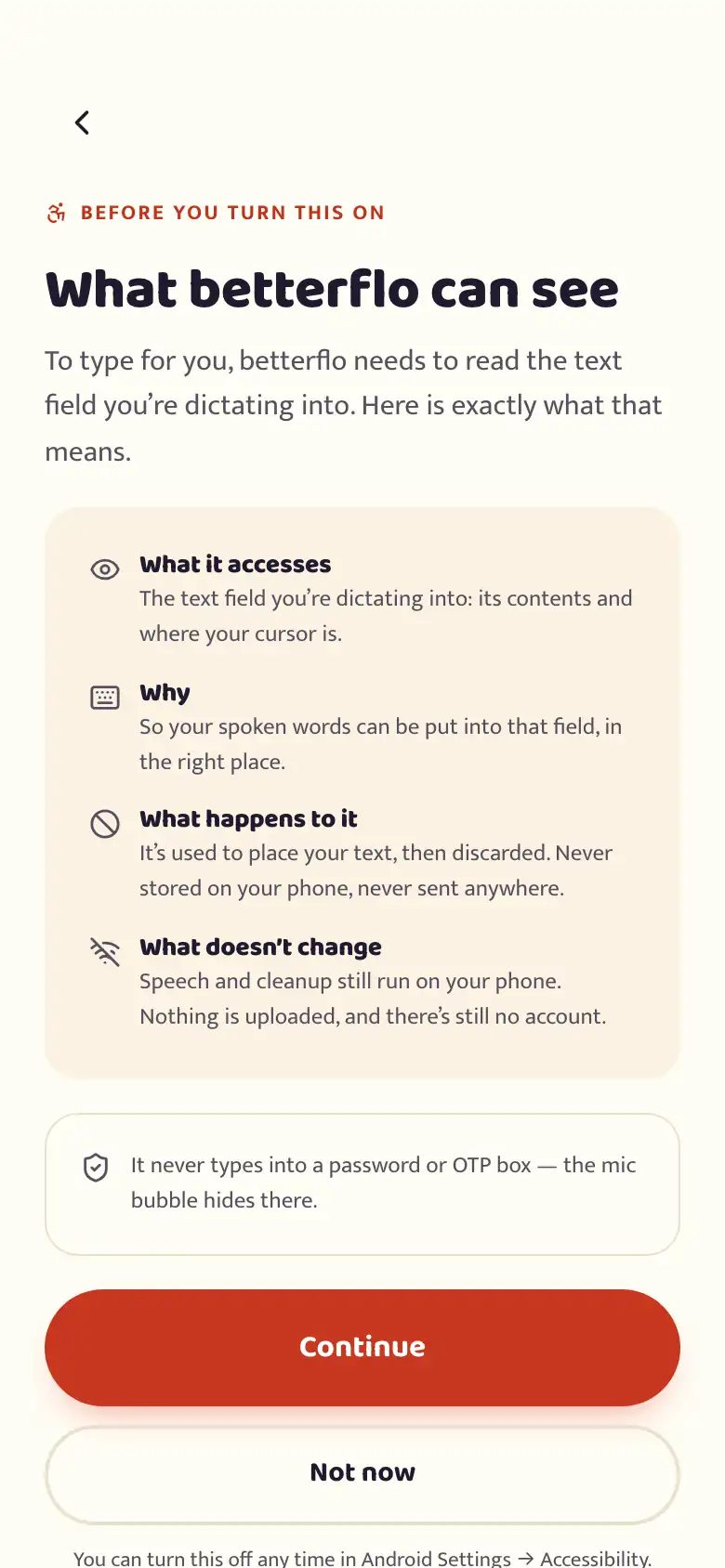
Where the promises live
The screens behind the policy — the same claims, as settings you can check yourself.
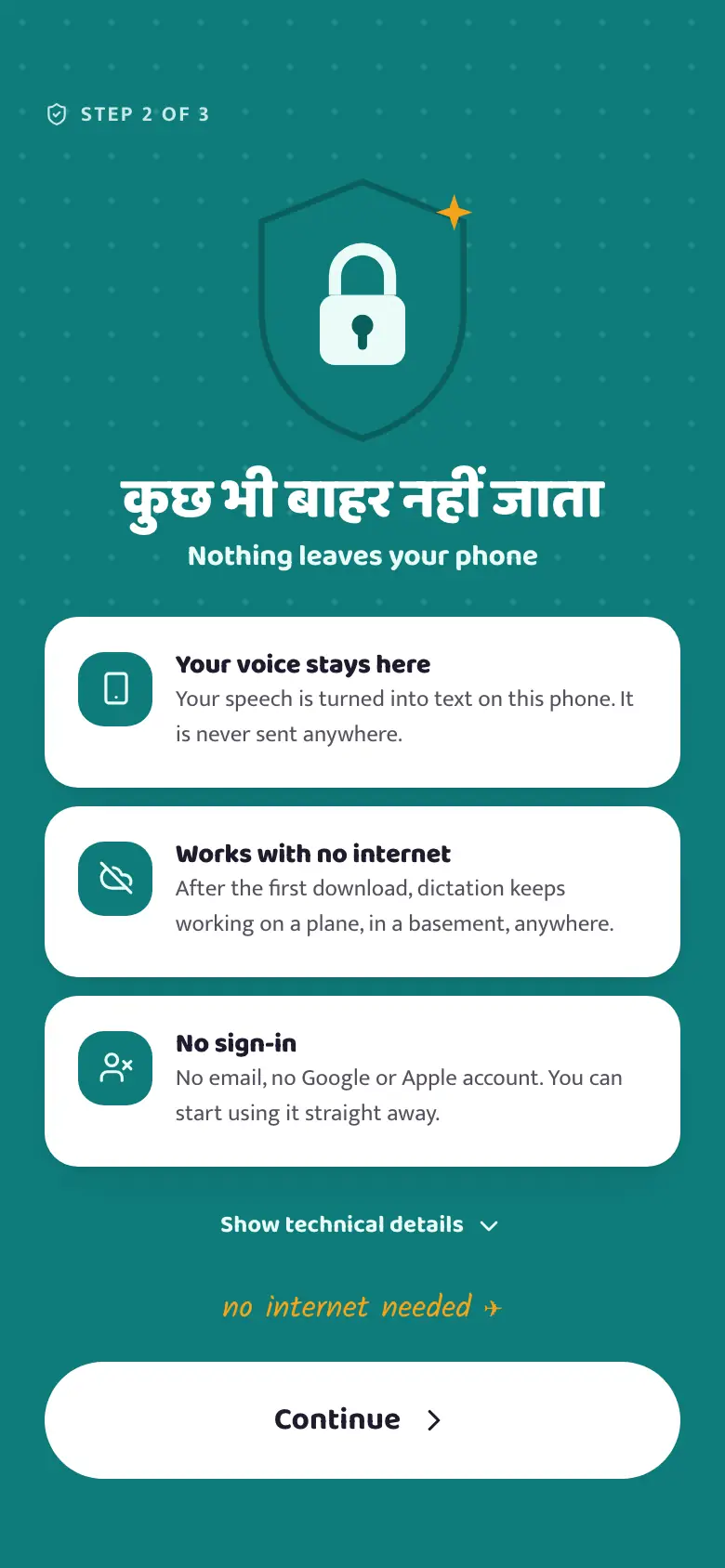
The promise, up front 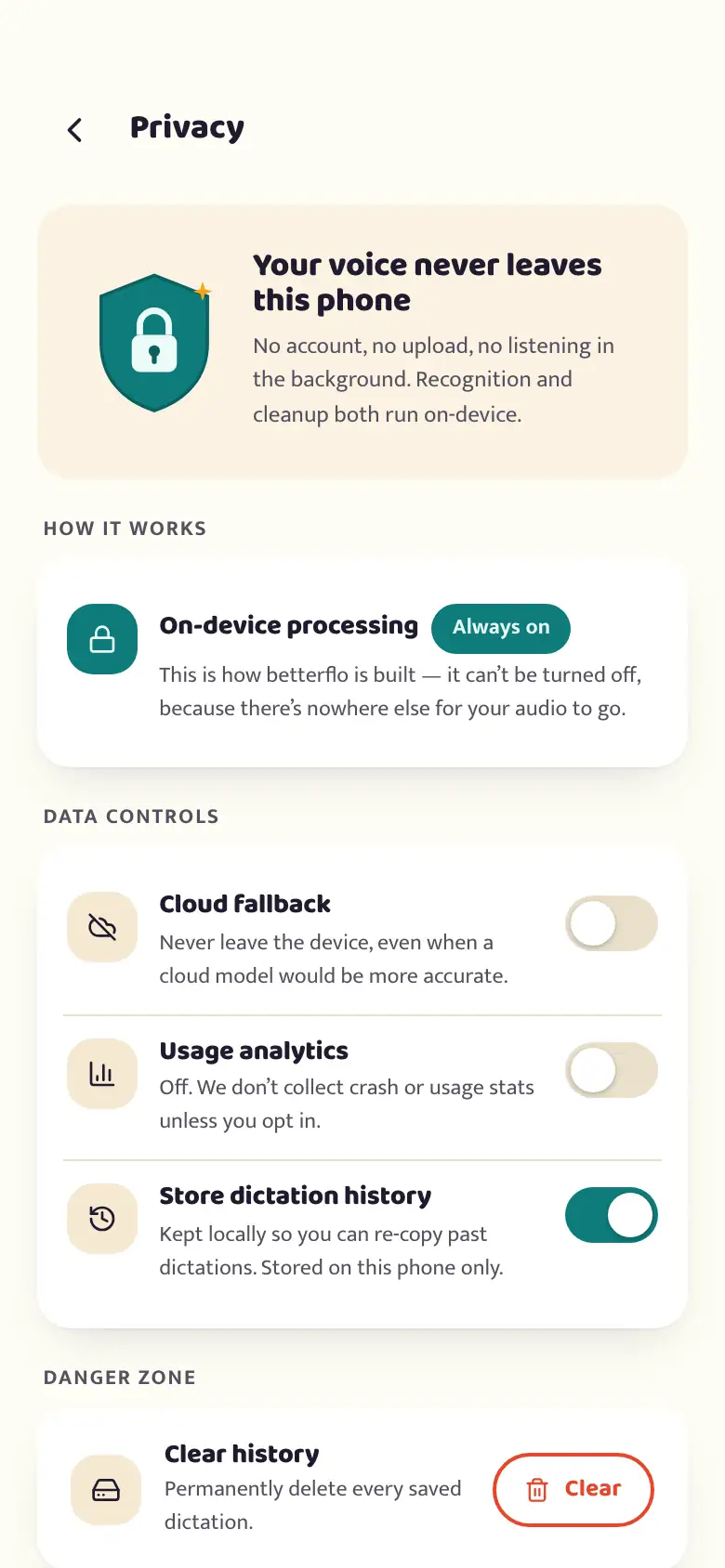
What is and isn’t sent 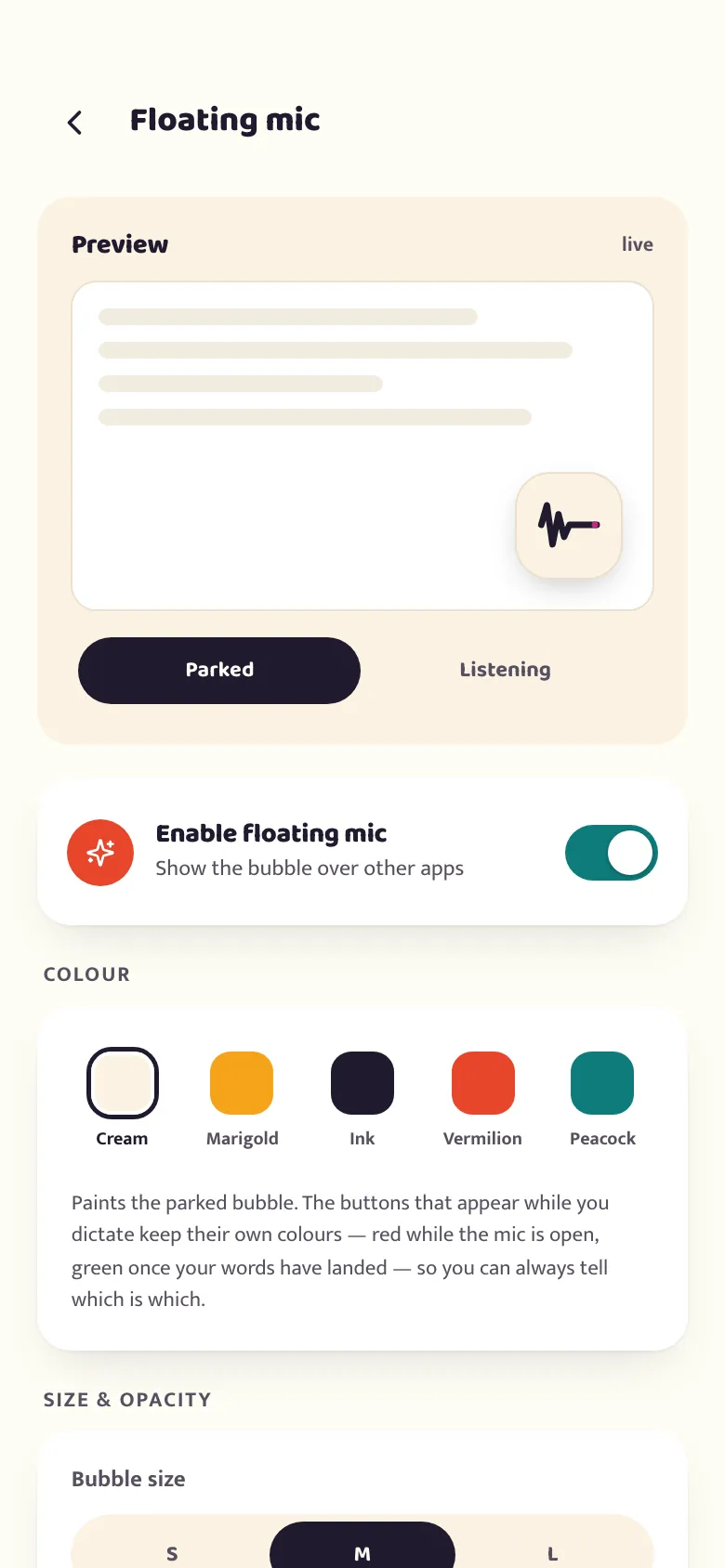
Both grants, always visible 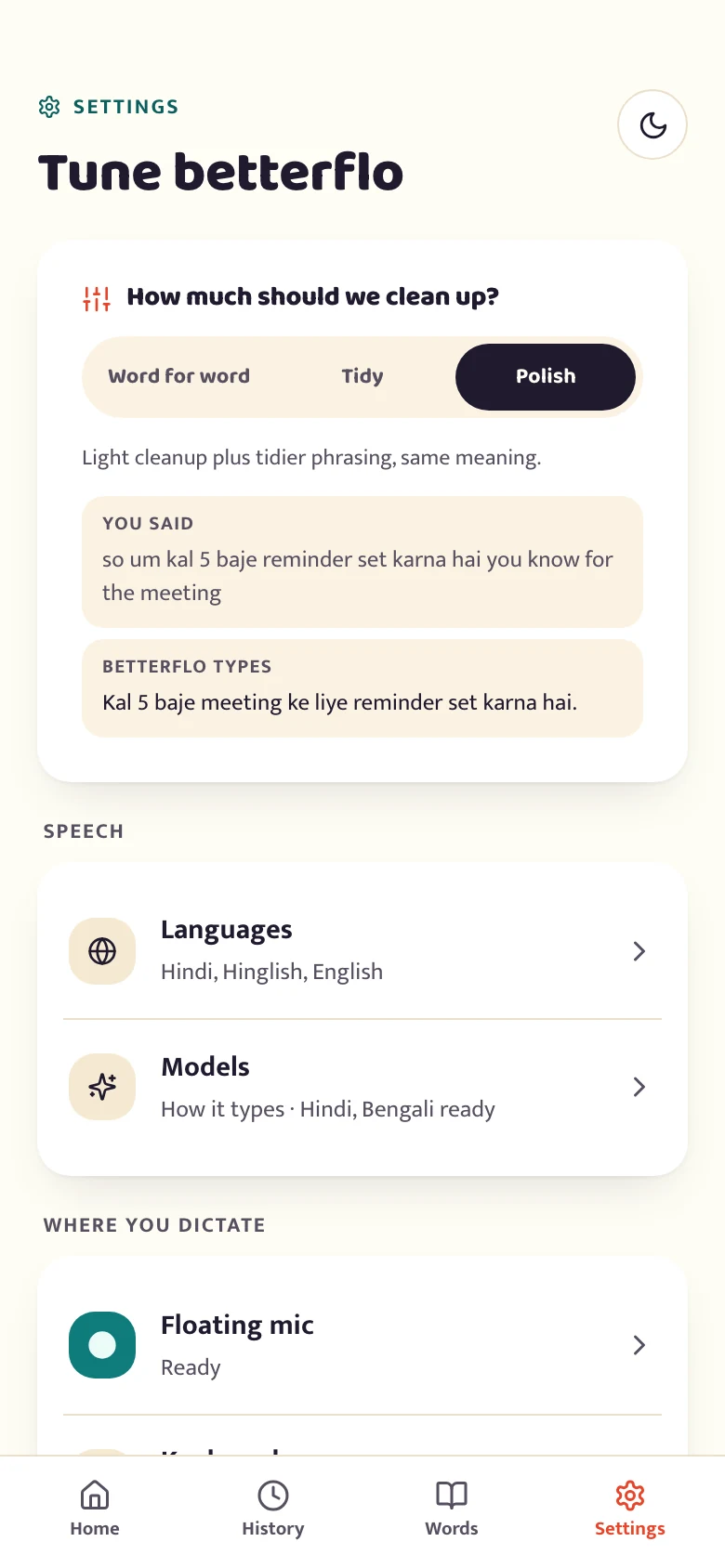
Every control in one place
Start with why we built it this way.
This page is the index. For the deeper architectural argument — not just the policy — read why on-device is the design, not a setting you switch on.